Product Table, a contact sheet on a white sweep
Material true. Colour true. Background behaving.
Product Table grades the packshot by what is on the table: white sweep or black, glass, stone, gold, steel, leather, clay. Colour stays true and the background does as told. Runs in the free Lightroom app and in Lightroom Classic.
For product, ecommerce and maker photographers with a catalogue to get out.
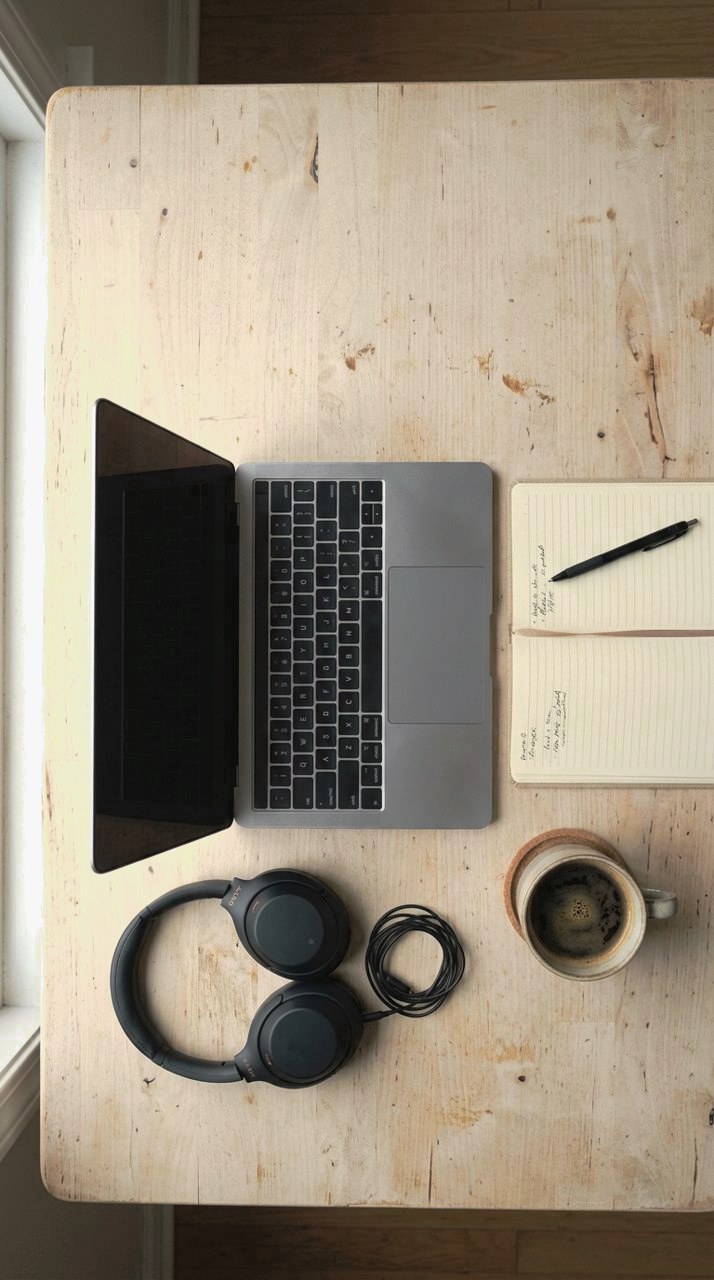
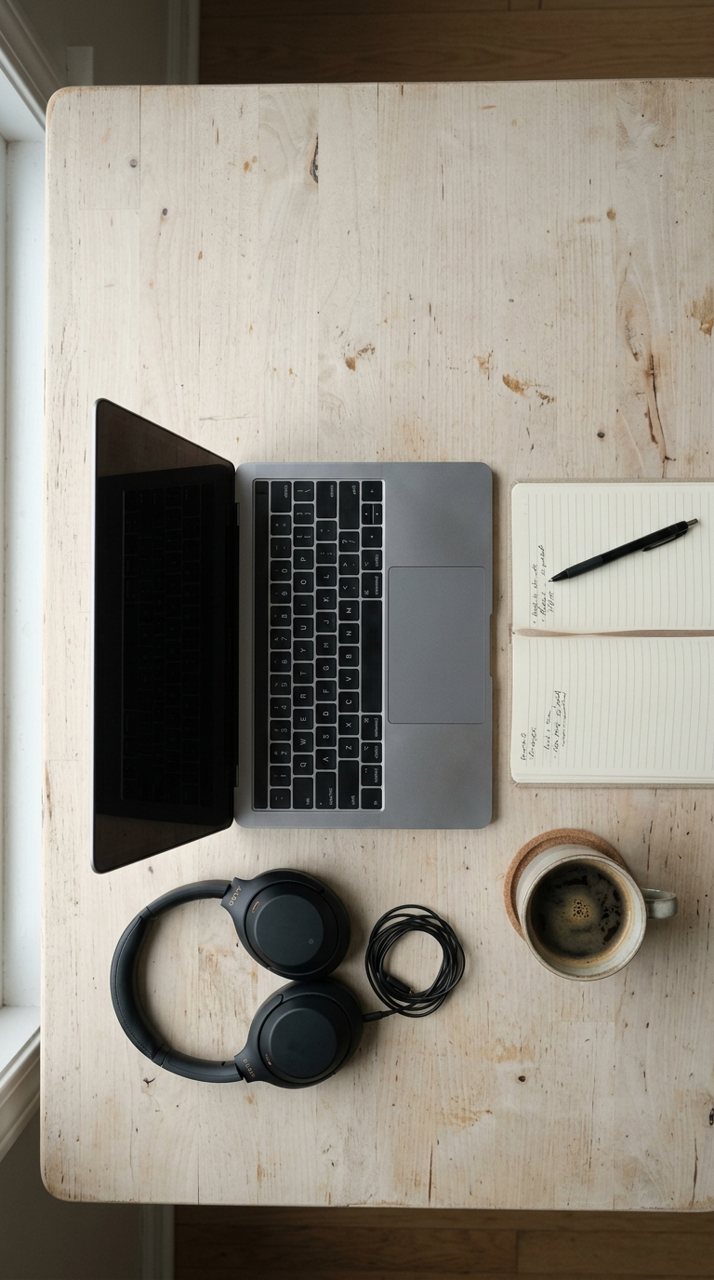
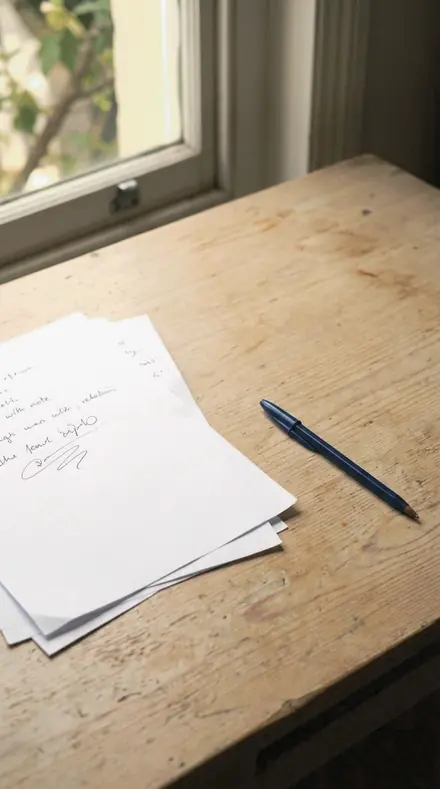
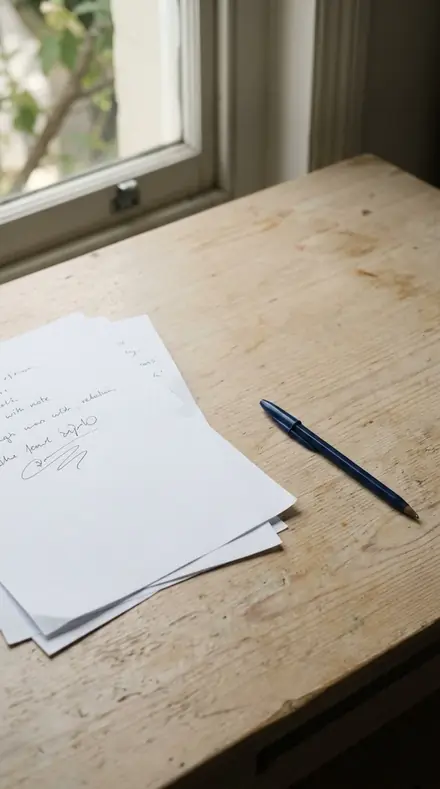


the sheet
The Sheet
144 presets across 4 territories
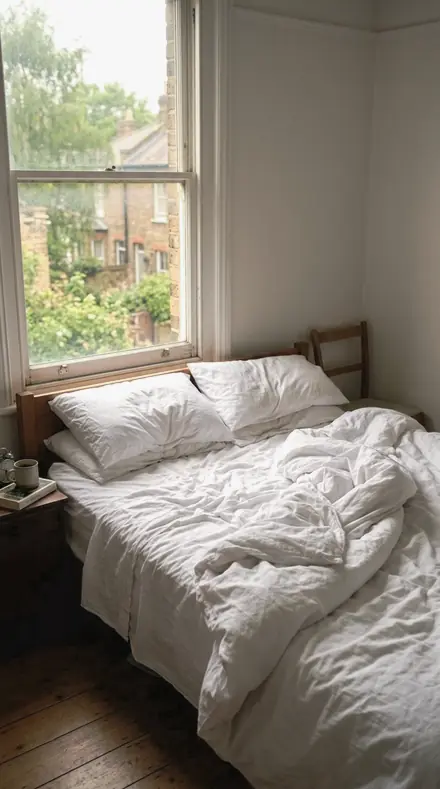
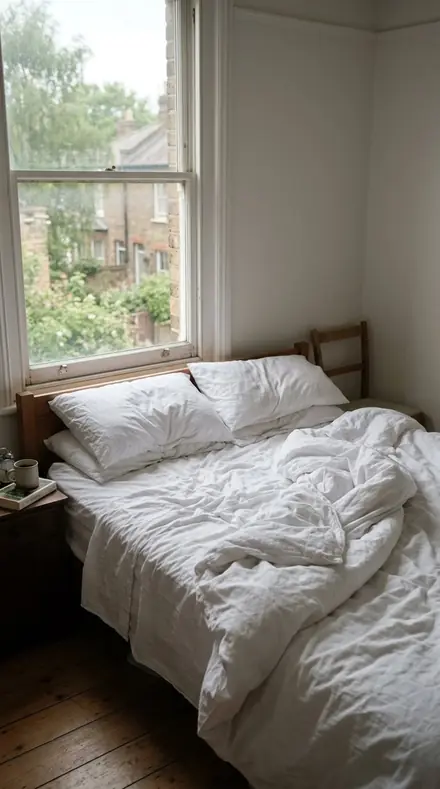
Backgrounds, glass and stone, metals, soft materials. Each row opens to its collections and a few presets on the same frames.
Backgrounds
rollThe white sweep lifted to paper; the black set crushed with the product edge held bright.
- Studio Object 18 presets
- Studio Black 18 presets


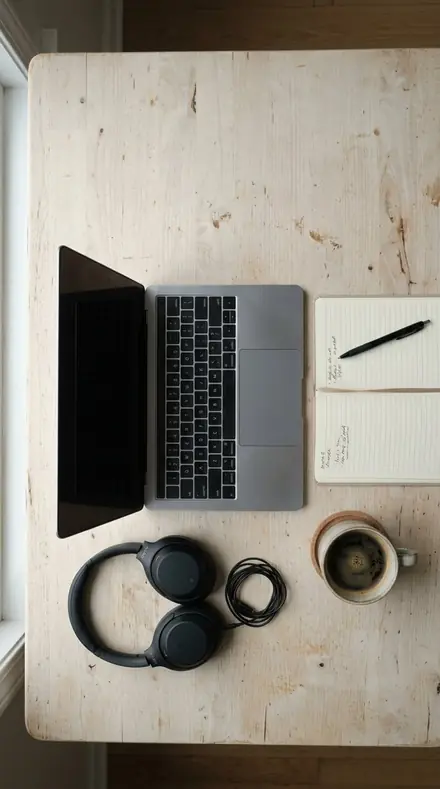


Glass and stone
rollGlass kept transparent with edge masking high; facets kept sparkling with a small radius.
- Clear Glass 18 presets
- Cut Gemstone 18 presets



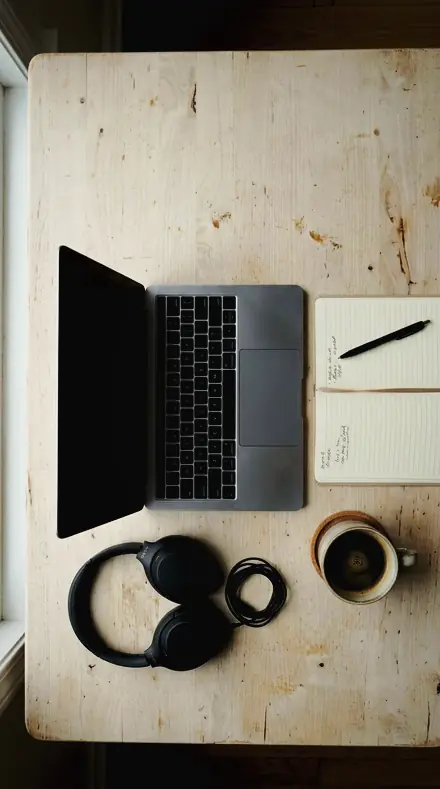
Metals
rollGold worked in the yellow band alone; the room's cast pulled off silver and steel.
- Gold Metal 18 presets
- Silver Chrome 18 presets




Soft materials
rollHide kept deep with hardware recovered; white clay with the blue cast removed in band.
- Matte Leather 18 presets
- Pale Ceramic 18 presets





Backgrounds first. Studio Object lifts a white sweep to clean paper and stops the speculars short of clipping; True Colour is the neutral member for colour approval and Clean Sweep is the cut-out. Studio Black crushes the set toward black and holds the product edge bright enough to separate, with Low Backdrop for jewellery that fine contrast destroys.
Glass and stone. Clear Glass keeps the body transparent, edge masking high and clarity low, so a rim does not halo. Cut Gemstone protects the sparkle with a small sharpening radius and holds the blacks so the pavilion keeps its return light.
Metals are worked band by band, never with a global warm shift. Gold Metal lifts the yellow band alone so gilt reads as metal rather than plastic. Silver Chrome pulls the room's cast out of the blue and orange bands so steel stays neutral.
Soft materials close the sheet. Matte Leather keeps the hide deep, recovers the hardware and holds the stitch line. Pale Ceramic takes the blue cast out of white clay in band and keeps one white separate from the next. Samples from each row are below, on the same frames.
how it works
Yours in two minutes
- Buy the setCheckout takes a card; you get a receipt by email.
- Download instantlyThe preset files download right after payment. Re-download any time from your account.
- Import to LightroomOpen the files in the free Lightroom app (iOS or Android) or Lightroom Classic. Lightroom saves them as presets automatically.
- Tap a presetOne tap applies the full look. Every setting stays editable after.
- Single-user license. Yours to use in personal and client work.
- No redistribution. Don't resell or share the preset files themselves.
- Free app is enough. No Adobe subscription needed for Lightroom mobile.
- Keep it forever. Files live in your account for re-download.

the maker
Why I Make These
I am Netzah Elad Topaz. I take photographs and I build software, and the two keep leading me back to the same problem. You were there. The light was doing something you will not see again. Then the photo comes back flat, and it is not what you were looking at.
Closing that gap is the whole job. Every preset here is built from Adobe defaults by hand, with a written note for what it should do to a picture, and it is judged on real photographs before it ships. Nothing is a filter dropped on top of your work.
What I want is simple. You open a photo you almost gave up on, you tap once, and there it is: the day you remember, not the file your camera handed you. That is worth doing properly.
Netzah Elad Topaz, photographer and software builder
get it
Get Product Table
Product Table
$199
All 144 presets · one-time payment · instant download
Works in the free Lightroom app · keep forever
Instant download after payment. The download link is also sent to your email and stays available in your account.
questions
Asked and Answered
Will it shift my product colour?
No. Every collection works the one band that is causing trouble and leaves global saturation alone. True Colour in Studio Object is the flattest member, for approval shots.
Is this one download or several?
One ZIP, with every collection in its own folder. Import them all, or only the ones you use.
Do these work in the free Lightroom app?
Yes. Import the .xmp files in the free Lightroom app on iPhone or Android, no subscription needed. They also work in Lightroom Classic and Lightroom on desktop.
What exactly do I get?
All 144 presets from Product Table as .xmp files in an instant ZIP download. The link also lands in your email, and the purchase stays in your account so you can re-download any time.
How do I install them?
Two minutes: unzip, then import inside Lightroom. The step-by-step guide covers iPhone, Android, and desktop.
Can I use them for client work?
Yes. The single-user license covers personal and commercial photography. The one thing you can't do is share or resell the preset files themselves.
Can I tweak a preset after applying it?
Always. A preset is a starting point; every slider stays yours to adjust.
What if it's not for me?
Before your first download we refund, no questions asked. After a download, sales are final except a technical fault we cannot fix or a duplicate charge. Details on the refunds page.